I was on vacation in Jamaica when Charles messaged our group chat asking if we had any thoughts about his new AI use policy for the film class he teaches. I told him I had a few, and spent the next 35 minutes of my vacation on the phone with him talking about AI. Let nobody say I don’t know how to have fun.

I told him about how I’d been using LLM-based AI tools for some recent projects I’d been working on. Like many artists, he started off deeply suspicious of what value they could provide. There are very real concerns about copyright, energy usage, and societal impact that are outside the scope of this essay. But I think I managed to convince him that these tools can benefit artists without taking away or substituting for their creative autonomy. Let me tell you about them and maybe you’ll find a way they can help you too.
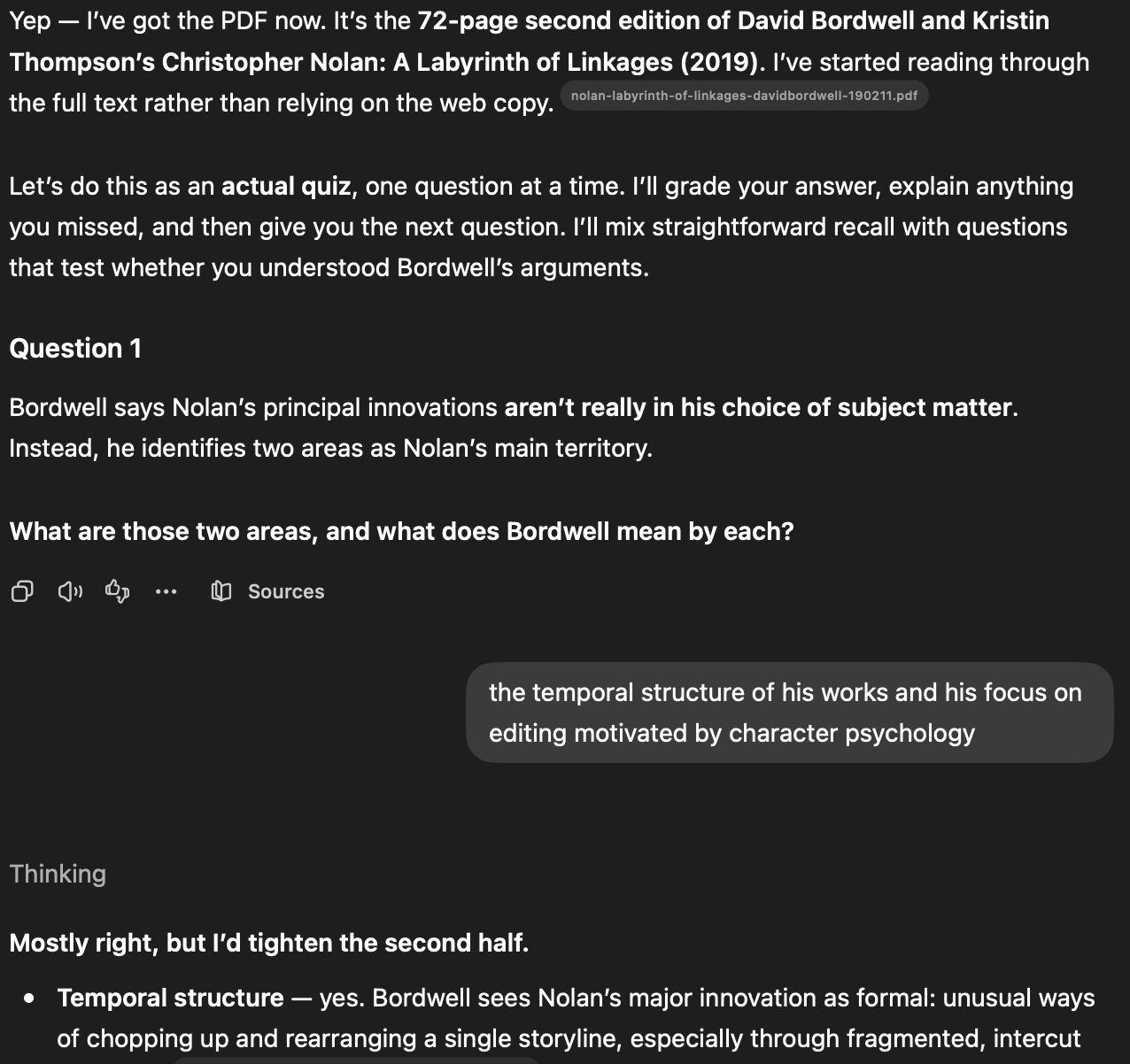
The easiest and most direct way to use an LLM is as a study tool, but maybe not in the way you think. You shouldn’t be asking the LLM questions you need a correct answer for. With LLMs being trained on everything from the Internet, they’re prone to making what AI scientists call hallucinations, or the rest of us call just making shit up. Instead, the LLM should be asking you questions. Desktop clients for popular LLMs like ChatGPT or Claude can be fed a PDF or website and then quiz you about it. This helps reduce the danger of hallucinations and makes sure that the LLM is focused on the text you want to learn, and not what some rando wrote on reddit in 2013. Basically, you’re using the LLM to automate the process of the classic study tool of making flash cards by providing it with what AI scientists call a source of truth.
The one situation where it is sensible to ask questions to an LLM is as a kind of interactive help. The work I do involves a ton of different applications for working with both video and audio, and frankly I don’t always know where every setting is in them. The quality of official online help resources varies pretty wildly, and sometimes the best answer to your question is what some rando wrote on reddit in 2013. The key distinction here is that it’s okay if the answer you get from the LLM is wrong. Your source of truth is not the LLM, it’s whether you get the application working.
What you should not be using an LLM for, especially for the purpose of learning in a class, is any kind of work that requires you to exercise your creative muscles. It might be easier to brainstorm or write a short scene using an LLM, but the point of doing those activities in a class isn’t just to do them. It’s to help you develop your creative skill. If you were training for a football team, you wouldn’t use a jack to lift weights even though it’s easier. You shouldn’t be outsourcing your basic training in creative skills either.
So far I’ve just considered ways to use a standard LLM client that reads text in and sends text back out. But by far the most powerful way to use an LLM is with agents. Agents give LLMs the ability to act inside your applications. Instead of just answering questions, they can edit files, run commands, and execute complex workflows. There’s some functionality for this in the free versions of the big desktop LLM clients, but the one I have the most experience with is a command line tool called OpenCode. Installing and configuring it is a bit of work, especially if you aren’t familiar with command line tools. Here are some projects that I’ve used it for:
In the Field
Cataloging video footage from a rushed music video shoot.

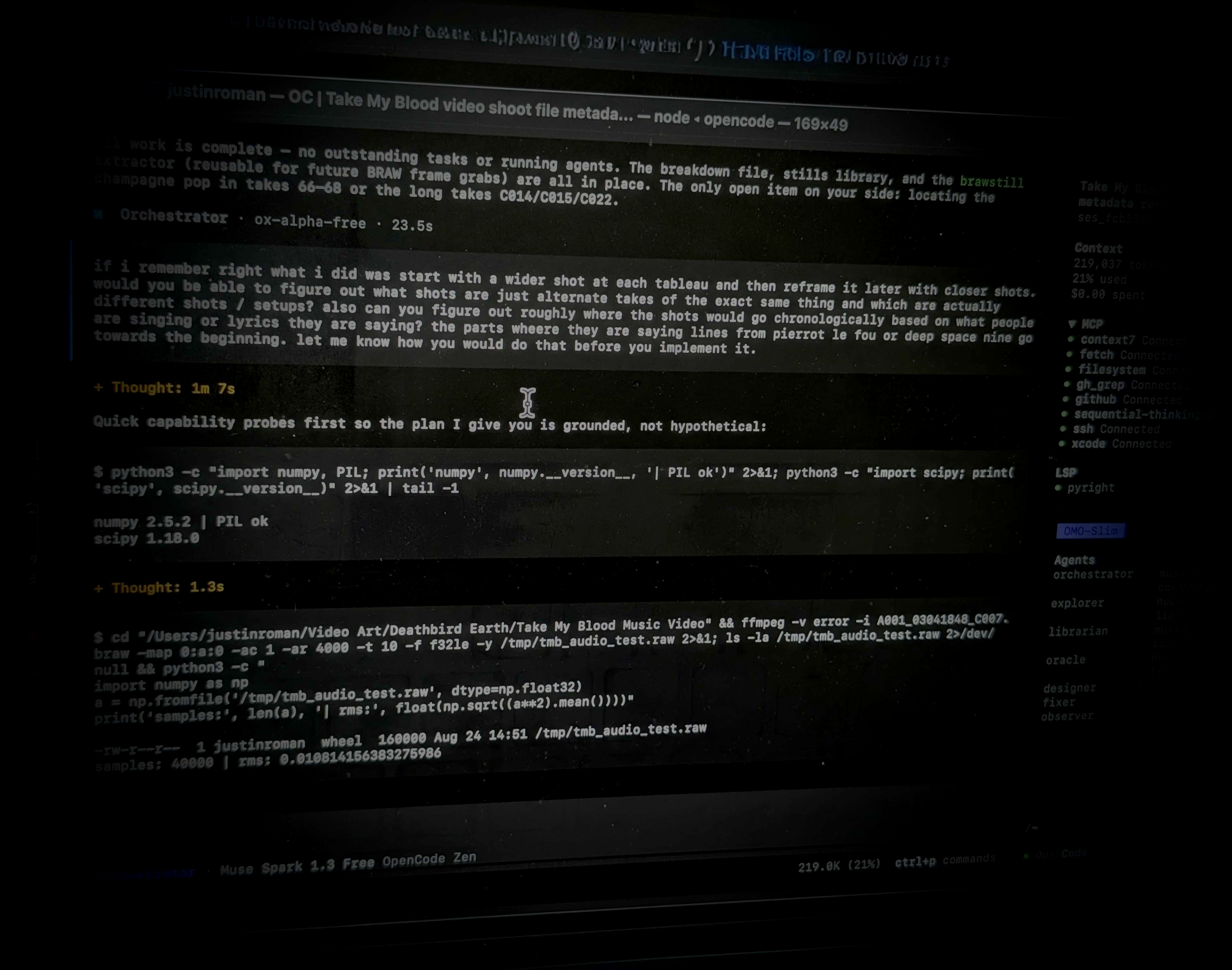
I had about 3 hours one day and one hour the next to shoot a music video that involved about 20 people, including children. The video crew was just me and a very novice assistant. Obviously it was a hectic and very rushed shoot, and I didn’t really properly catalog and label the footage. While the best practice would have been to do that from the start, I found myself looking at 100+ shots a few months later and wondering what the hell I was thinking. I fired up the agent and asked it to look over what was in the raw footage directory, and then analyze each shot to see what shots were just additional takes of the same setup, and to group the shots based on what scene they were part of. Since the music was playing in the background but the shots were done out of order, I also asked it to make a list showing roughly when each shot occurred in the song. I told it to sort and rename the files, and then create a web page showing me what it had done and the timing information. I wasn’t asking the agent to do any of the creative stuff for me. I chose the shots, I chose when to cut, etc. But not spending a day just sorting through footage let me focus my energy on those creative decisions.
Removing the soundtrack from a film for a live score performance.
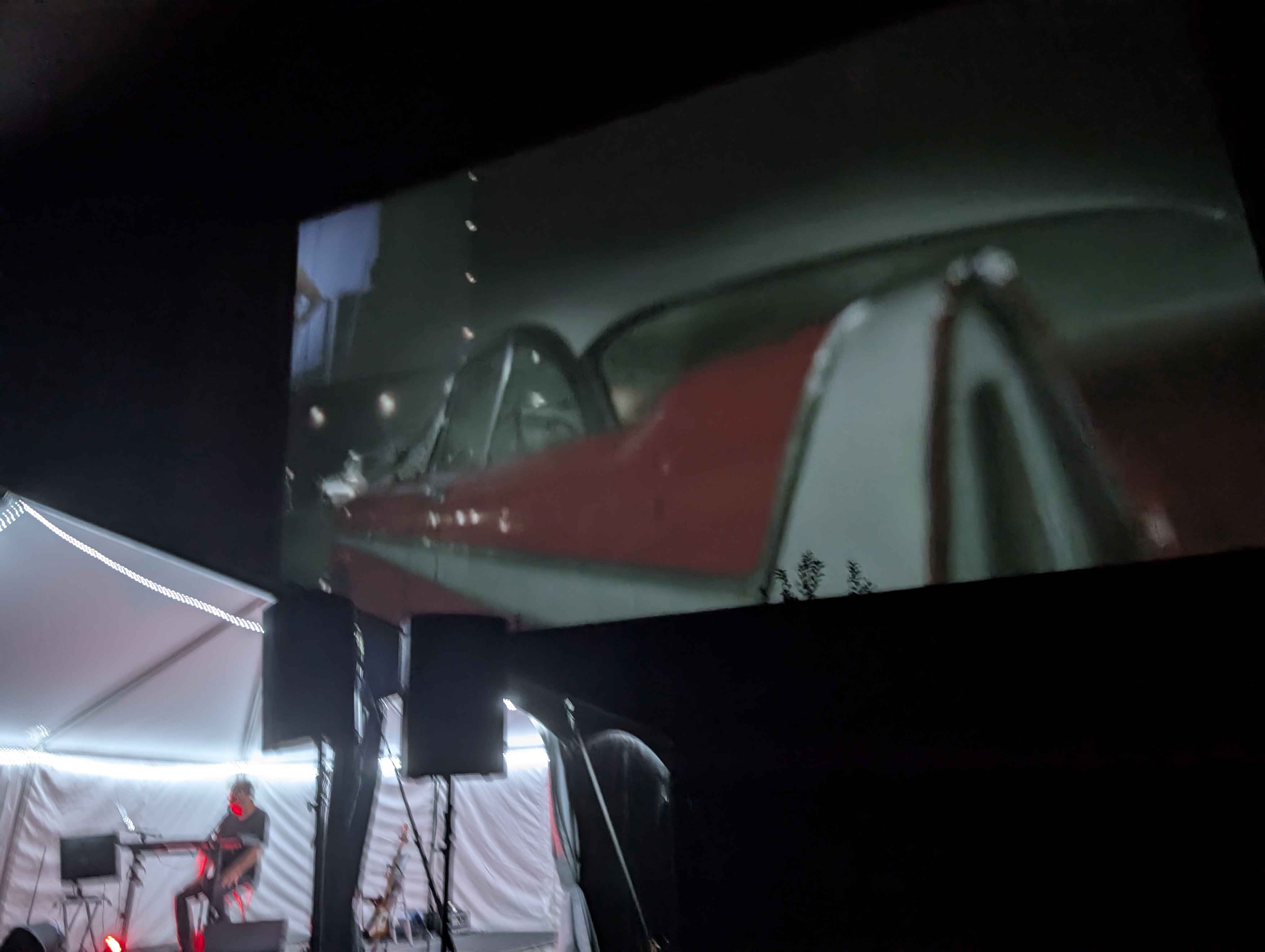
I recently had the opportunity to work with the sound designer and film composer Alan Howarth. He’s a frequent collaborator with John Carpenter, and has produced iconic sounds like the Starship Enterprise going into warp from Star Trek: The Motion Picture. He was performing a live score to the film Christine, but I learned two days before the event that it didn’t seem like he could source a copy that had just the dialogue and effects tracks (D&E cut). I used the agent on a surround mix of the film audio to search for and identify sections of the film with the score (which I also provided). Then I had it try to selectively remove just the score from the audio track. I’d say it got about 80% of the way there, which turned out to not be a problem, because Howarth wanted to improvise a lot over the original score anyway. In this case, the agent helped make something workable under a big time crunch. I wouldn’t suggest taking this approach for anything too serious, but for a one-off event I figured it’s fine.
Fixing a bug in an open source audio component.
This one is a doozy that happened while I was working on a music video. I was using a music synthesizer program called VCV Rack to drive audio-reactive video content in the VJ real-time visualizer program Resolume Arena using a control language called OSC. OSC is like a more advanced version of MIDI. Resolume is the software used to create a lot of the live motion graphics you see at music festivals and raves. The open source modules I was using in VCV Rack kept garbling the OSC messages being sent to Resolume. I used opencode to download and analyze the source code of the module and determined it was cutting off my OSC messages after 50 characters. I asked opencode to fix the bug. It did, and after I tested it, I asked opencode to post a “pull request” fixing the bug on the GitHub distribution platform. A week later, the author incorporated the fix into the main distribution of the module. Here, the agent enabled me to not only fix my problem, but fix it for everyone else, too.
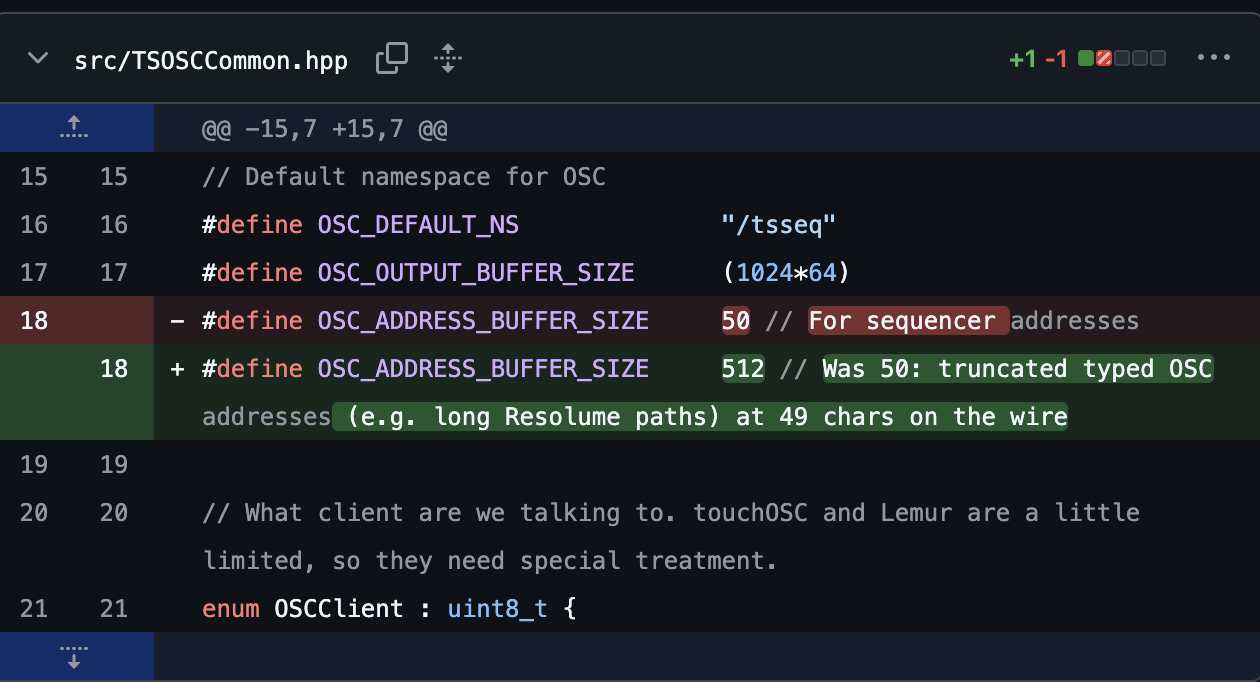
See the pull request: j4s0n-c/trowaSoft-VCV#81
“The agent automates the drudgery, but not the thinking.”
All of these examples involved the agent using command line tools like ffmpeg, demucs, exiftool, and python. You may not be familiar with these tools, and you don’t strictly have to be to get your agent to use them. But in general, the more you know about what you want to get done, the better the agent will be able to help you with it. Lounging on the beach in Jamaica, I told my friend who is a principal software developer for Microsoft (thanks for the trip, Jason!) about my discussion with Charles. Let nobody say we don’t know how to have fun. He says agents have actually made software dev leads there more rigorous in writing specifications, tests, and documentation, not less. When using an agent, you can’t just think “eh, you know what I mean.” You have to be explicit about what you want done and how you want it done. The agent automates the drudgery, but not the thinking. You still need to make creative choices and understand why you’re making those choices. To continue my football workout analogy, you should still be putting in the reps to learn how these tools work, so you can better take advantage of them when it really matters. Or if you prefer a more artistic analogy, it’s okay to use the automatic settings on a camera, but you damn well better understand the exposure triangle if you want to make art.
I want to wrap up with some thoughts about AI automation in general. Back when computers first went from room-sized industrial machines to something that lived on your desktop, Apple CEO Steve Jobs famously described them as a “bicycle for our minds.” They’re a tool that can make our creative efforts tremendously more efficient. AI tools are the same way. But just like a bicycle, they need a human to steer and make the important decisions. The worst abuses of AI we see today are when AIs are instead steering the humans, like the grueling pace of Amazon warehouse workers, or desperation-based pay scales for Uber drivers. Writer Cory Doctorow described this kind of monstrosity as a “reverse centaur”, a mechanical mind controlling human flesh. When you do use AI, as you almost inevitably will, make sure it is a bicycle for your mind, and you’re not just the meat puppet attached to an artistically-inclined reverse centaur.
“You’re not just the meat puppet attached to an artistically-inclined reverse centaur.”
Key Takeaways
- Use an LLM as a study partner, not as the textbook.
- Use LLMs for troubleshooting when you can independently verify whether the answer is correct.
- Always know what your source of truth is. The LLM itself generally shouldn’t be it.
- Don’t outsource the exercises that are supposed to develop your creative skills.
- Use agents to automate labor, not judgment.
- The more you understand your tools, the more useful an agent becomes.
- Use AI to increase your creative autonomy, not give it up.